How can I disable xDrive on a BMW?
BimmerDrift is designed to help supported BMW owners disable xDrive from an iPhone using a supported adapter. It gives you a mobile-first way to switch to rear-biased driving mode without a laptop workflow.
Rear-biased driving mode, straight from your iPhone. No laptop workflow needed — just your phone, a supported adapter, and your BMW.
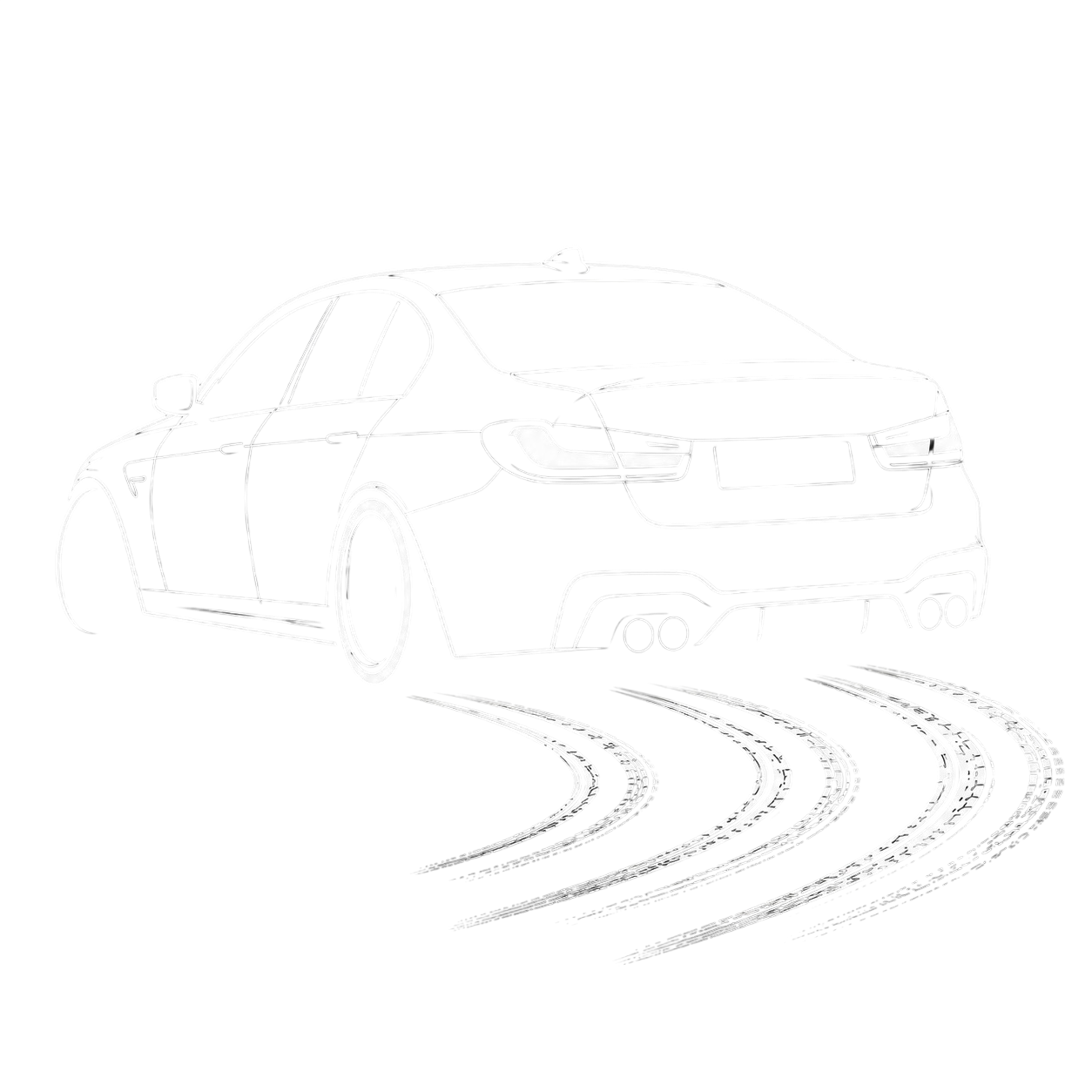
Simple, fast, mobile-first xDrive control for BMW enthusiasts
Plug your supported OBD adapter into your BMW. Quick and seamless connection.
Launch BimmerDrift on your iPhone and connect to your vehicle wirelessly.
Temporarily switch to rear-biased driving mode in just seconds.
Experience true rear-biased performance on supported BMW vehicles.
BimmerDrift works with a wide range of BMW models
Full support for the latest generation of BMW vehicles with xDrive systems.
Complete compatibility with F Series BMW models equipped with xDrive.
Four simple steps to rear-biased driving
Plug your supported OBD adapter into your BMW's diagnostic port.
Launch BimmerDrift on your iPhone.
The app automatically detects and connects to your BMW.
Tap to switch to rear-biased mode in seconds.
Watch how easy it is to disable xDrive
Built for BMW enthusiasts who demand simplicity
Everything happens on your iPhone. No laptop required.
Disable xDrive in just 2 clicks. No complex workflows.
Designed to be intuitive. No technical knowledge needed.
Get to rear-biased driving mode whenever you want it.
Answers for BMW owners searching for a simple xDrive off app
BimmerDrift is designed to help supported BMW owners disable xDrive from an iPhone using a supported adapter. It gives you a mobile-first way to switch to rear-biased driving mode without a laptop workflow.
BimmerDrift is built for supported BMW G Series and F Series vehicles equipped with xDrive. Exact compatibility depends on model, software version, region, and adapter support.
No laptop workflow is needed for supported vehicles. BimmerDrift runs on iPhone and connects through a supported adapter.
Yes. BimmerDrift is an iOS app for BMW enthusiasts who want quick xDrive control from their phone on supported vehicles.
Download BimmerDrift and disable xDrive on your supported BMW in seconds.